The desktop application can be enabled by an administrator user as follows.
1.Click [Desktop App] in the [System Settings] menu.
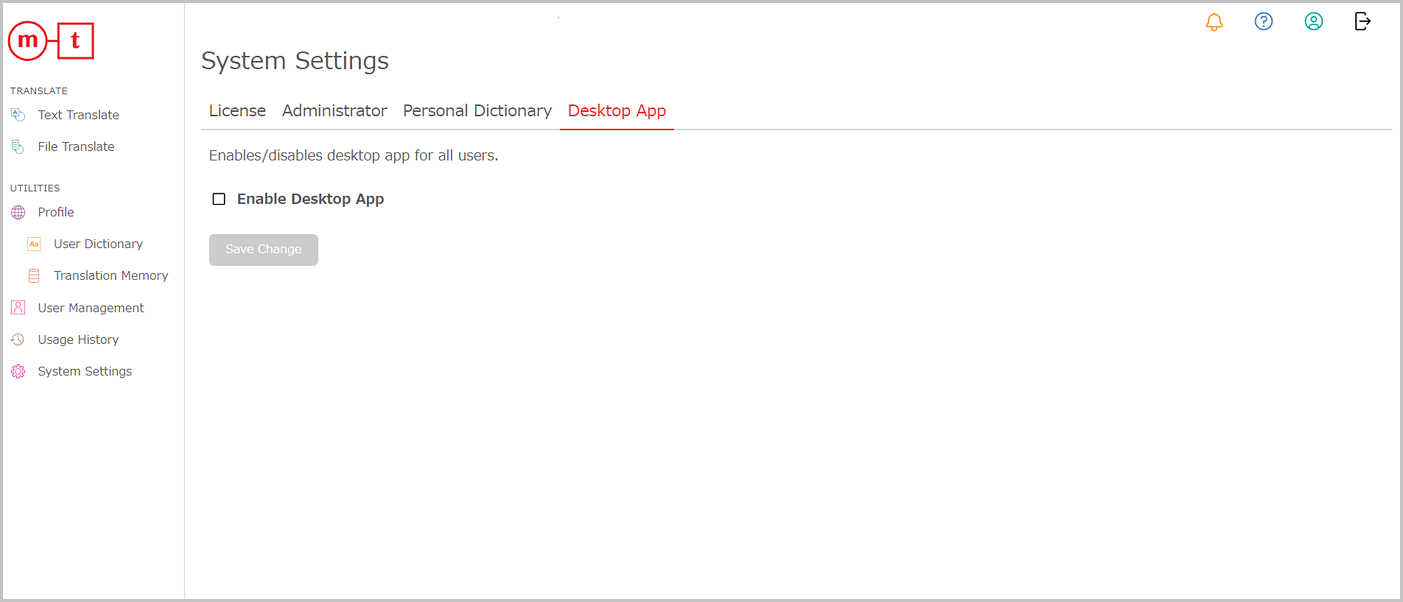
2.Select the [Enable Desktop App] checkbox and then click [Save Change].
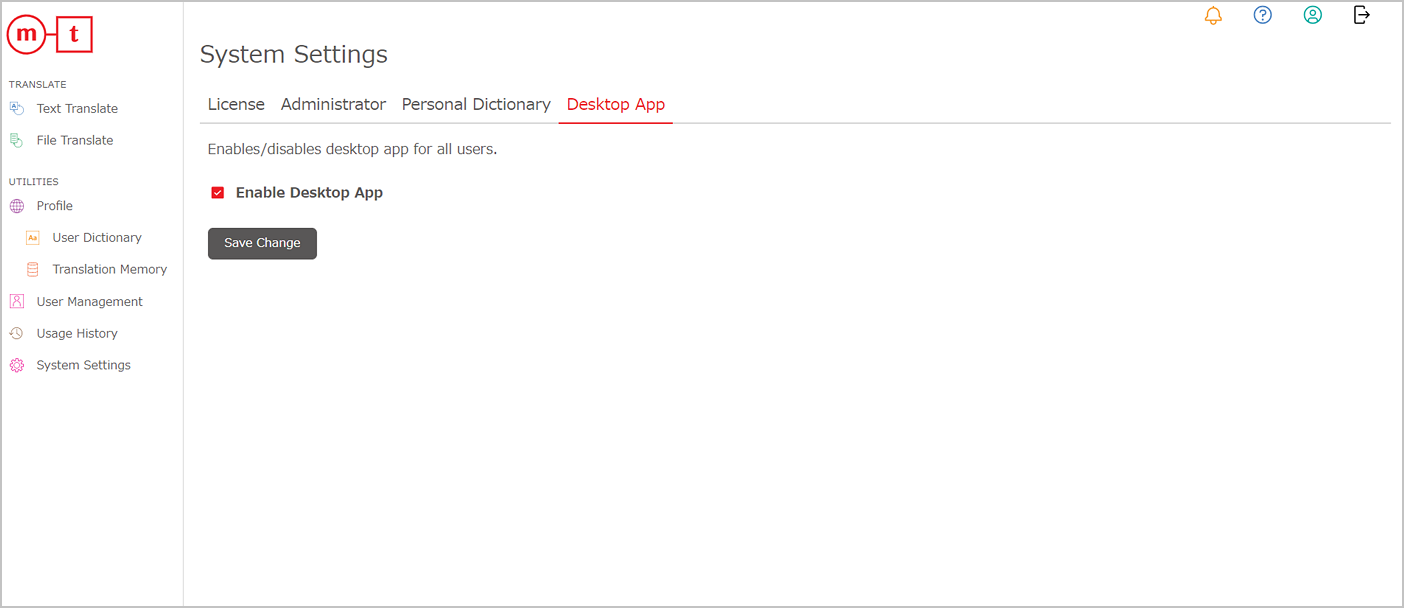
3.Click [OK].

The desktop application can be enabled by an administrator user as follows.
1.Click [Desktop App] in the [System Settings] menu.
2.Select the [Enable Desktop App] checkbox and then click [Save Change].
3.Click [OK].